

How To Check Telenor Number – Telenor Number Check Code 2023
Telenor is one of the leading prepaid and postpaid services providers in Pakistan. As per the record, it has around 47 million customers for different products and services. If you are a new Telenor user and confused about how to check Telenor number, this step-by-step guide will help you. Find all Telenor number check codes and methods in 2023.
Telenor Number Check Code 2023
Follow the below methods to check your Telenor sim number. The codes and procedures are subject to change with time so visit the Telenor website for the latest updates.
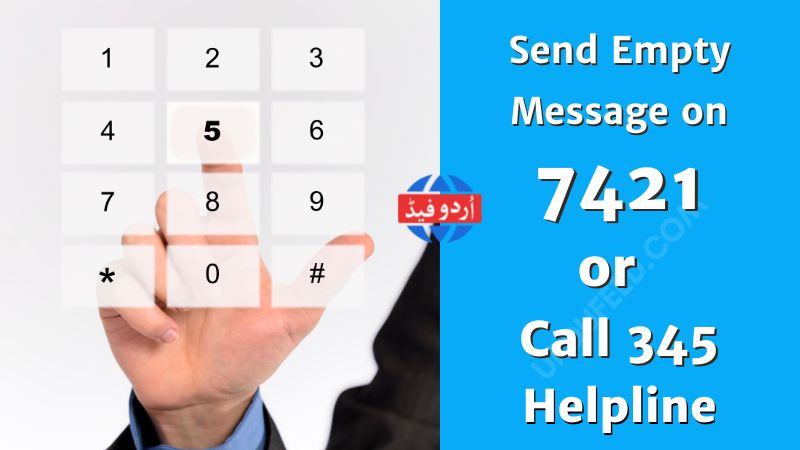
How To Check Telenor Sim Number Via SMS Code?
To check your Telenor number via SMS code follow the steps below.
- Open your text message app
- Send an empty text on 7421
- The auto-reply from 7421 will contain your Telenor sim number
How To Check Telenor Sim Number Via Call?
If you don’t have a balance in your Telenor sim and still want to check the number follow the below steps.
- Open your mobile phone dial pad
- Dial the 7421 IVR number on your phone for free
- Press call to proceed on the above number
- You will receive your Telenor sim number in a message shortly
| Codes | Charges |
|---|---|
| Send Empty Message on 7421 | Service Charges |
| Call On 7421 IVR Number | Free |
| Call 345 Telenor Helpline | Service Charges |
How To Check Telenor Sim Number Via Mobile App?
The third and most authentic method to check the Telenor sim number is through the My Telenor App. Follow the step-by-step guide to get your number.
- Open your phone Google PlayStore or Apple Store
- Search My Telenor App and install
- Click on the sign-up option once the app is installed
- Login to your app and you will find the number right at the top in the My Telenor App dashboard
How To Check Telenor Sim Number Via Helpline?
If you are unable to find your sim number via the above methods use the Telenor helpline service to check your number.
- Dial Telenor helpline number 345
- Follow the necessary step to speak with the customer representative
- A representative will ask you for personal information like name, CNIC, etc, and sim information like the IMSI number printed on the back of your Telenor sim.
- Once the required verification is completed representative will give you the number.

How To Check Telenor Sim Number Via Official Website?
If none of the above methods is working visit Telenor official website and follow the steps below.
- Find the Telenor Customer Care Link in the bottom/footer section of the website
- You can start a live chat with the Telenor customer care representative.
- Tell the necessary details about you and your sims like name, CNIC, and IMSI number
- The representative will share the details of your sim after the required verification.
Final Words Telenor Number Check Codes
By concluding these Telenor number check codes we hope you will be able to get your sim number through the given ways. However, visit the Telenor website or talk to a customer services representative for more information and help.
Frequently Asked Questions
How To Check Telenor Sim Number?
Send an empty message or call 7421, contact 345 Telenor helpline, or contact customer care through the official Telenor website and you will be able to check your Telenor sim number.
How To Check Telenor Number Free?
If you want to check the Telenor number for free then visit the Telenor website and live chat with the customer care representative. The second method is opening the My Telenor App with an active internet connection. In a third way, call on 7421 and you will be able to check your Telenor sim number.
